

01
Sales and Lead Workflows
Capture, qualify, route, and follow up on enquiries faster.
Move routine work forward with fewer manual steps.
Reduce the copying, checking and chasing across your UAE business. Connect documents, approvals and updates while keeping exceptions and ownership visible.
10+ years of digital delivery / UAE delivery partner
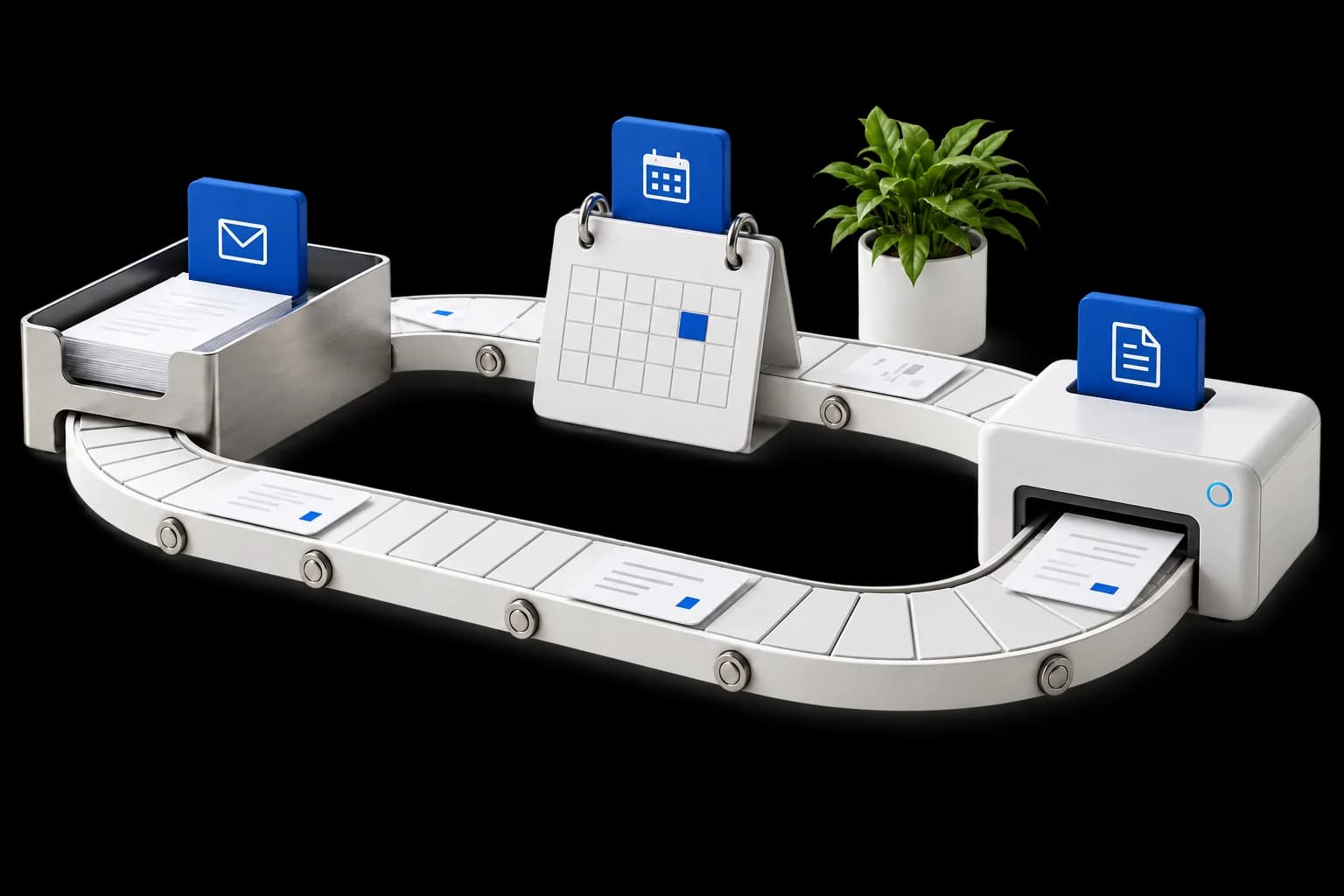
What we build
For businesses with repeatable administrative work and clear rules, but too much copying, checking and chasing between teams.
Capture, qualify, route, and follow up on enquiries faster.
Reduce repetitive customer support actions and improve response consistency.
Automate dashboards, summaries, status updates, and recurring reports.
Support proposals, reports, SOPs, internal notes, and approval workflows.
Connect approved business tools so information moves with less manual copy-paste.
Prioritise what to automate now, what to test, and what to avoid until ready.
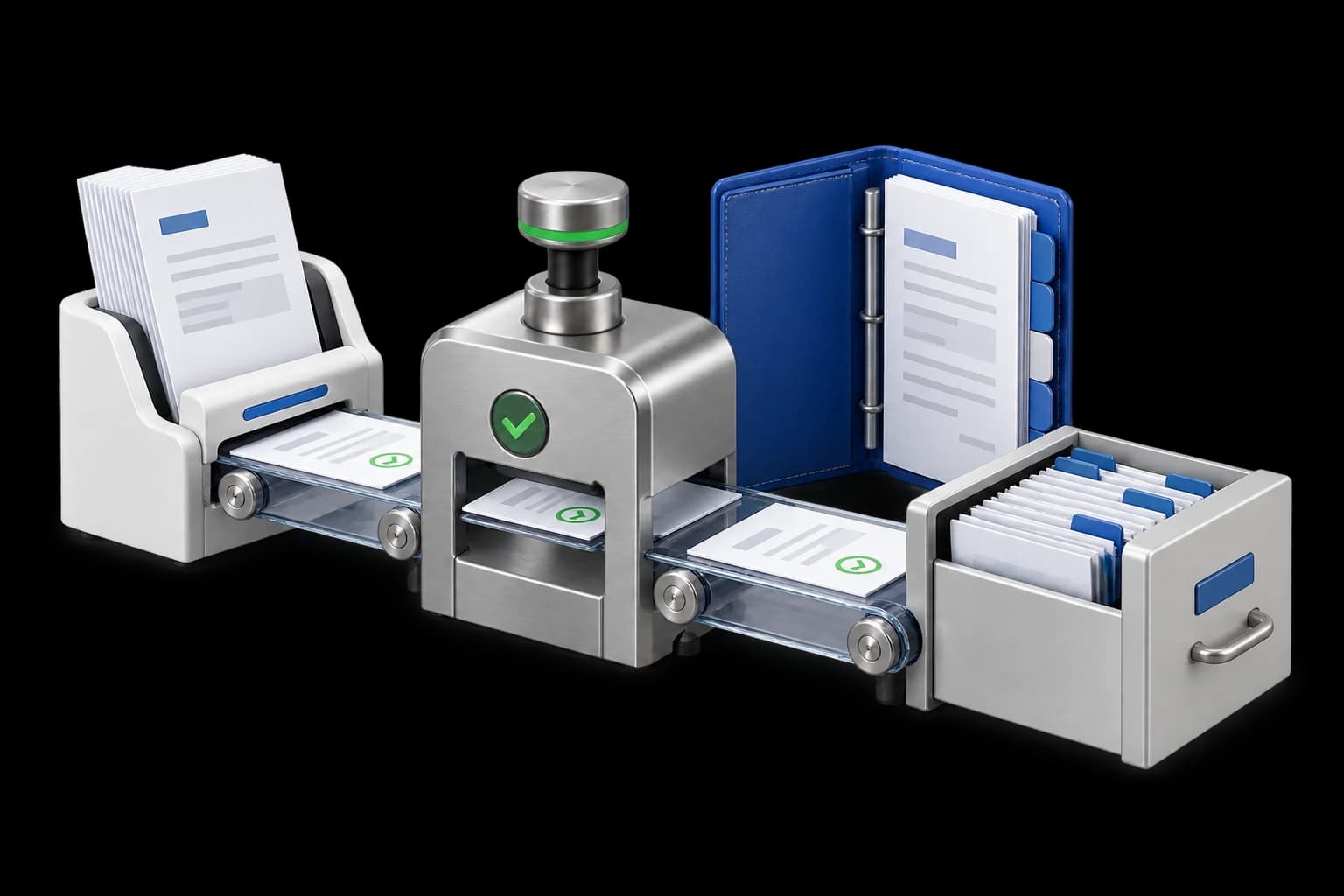
From interface to operation
Standardise the routine steps while making approvals and exceptions visible.
How we work
Review the users, current tools and business problem. Agree the first outcome to work towards.
Agree the scope, costs, owners and delivery stages before work begins.
Design, implement and test against the agreed tasks with your team's feedback.
Hand over the system and guidance. Agree any ongoing support and improvement work.
Project deliverables
Your proposal confirms the deliverables, integrations and handover included in the agreed scope.
Before you decide
Practical answers to help you scope the next step.
Start with frequent, repeatable work such as request routing, document preparation, approvals and status updates. A useful candidate has clear inputs, agreed rules and an accountable owner. Unclear processes should be mapped before they are automated.
Yes. An automation can prepare information and route a task while a person makes the approval decision. Access rules, review stages and exception handling should be defined for each process.
We review the scope, content, integrations and approvals before proposing costs and delivery stages. For UAE engagements, request a quote in AED with implementation, third-party subscriptions and ongoing support identified separately. A focused first phase can be scoped before a wider rollout.
Your next step
Tell us where work slows down and which tools you use. We will help clarify a practical first scope, the dependencies and what it would take to deliver it.