

01
Capture WhatsApp enquiries
Turn new messages into structured enquiry records instead of loose chat threads.
Turn WhatsApp Chats Into Followed-Up Leads
Digitbite helps UAE businesses create a clearer path from first message to qualification, CRM update, team handoff, and follow-up.
10+ years of digital delivery / UAE delivery partner
What we build
Share how enquiries move from WhatsApp, forms, calls, and email into follow-up today. Digitbite will review the handoff points and suggest a practical workflow direction.
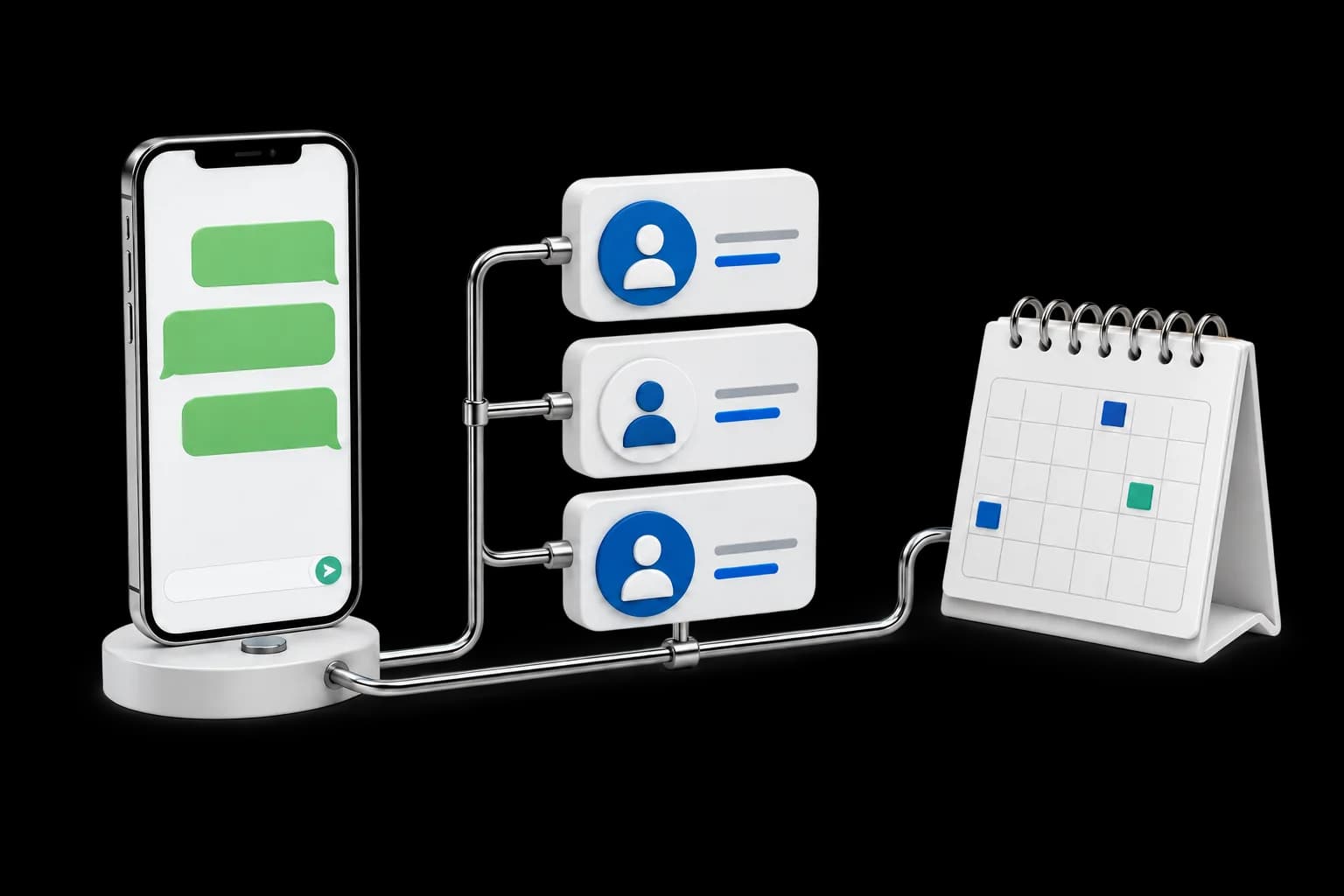
Turn new messages into structured enquiry records instead of loose chat threads.
Collect the basics your team needs before a sales or service follow-up.
Give the next person a simple view of what the customer wants and what has already been shared.
Move agreed details into CRM fields so follow-up is easier to manage.
Send enquiries to the right team member or queue based on service, urgency, or fit.
Make the next action visible so customers are less likely to wait without a reply.
Give managers and teams a clearer view of new, active, waiting, and followed-up leads.
Your business case
An authorised WhatsApp integration captures the permitted enquiry details.
An enquiry is read on a shared device and copied manually.
Example assumptions, not benchmarks or a quote.
Illustrative monthly value Not a guarantee
Value of released time, not an automatic cash saving.
Setup and monthly costs are needed for ROI and payback.
See what connecting WhatsApp and CRM changes for your team, then estimate the admin time it could release. The starting figures are example assumptions, not benchmarks or a quote.
Released time is capacity value, not a payroll saving. It becomes financial value only if you redeploy that time productively or remove a real cost. Validate handling time, coverage and quality in a pilot. Include WhatsApp provider, messaging, CRM and support charges in running costs.
Hours released = monthly items x (current minutes - modelled minutes) x workflow coverage / 60. Capacity value = hours released x loaded hourly cost.
Year-one net value = monthly capacity value x (12 - delay months) - setup - 12 x monthly running costs. ROI = net value / total modelled costs x 100. Total costs are setup plus 12 months of running costs.
Payback = delay + (setup + running costs during the delay) / monthly value after running costs. It is not reached if that monthly value is zero or negative. Benefits are held constant after the delay; there is no gradual ramp-up. Tax, VAT, financing, inflation and unentered costs are excluded. This is a planning estimate, not a quote or financial forecast.
Figures stay in this browser tab. They are not sent to Digitbite with an enquiry.
Keep customer context connected without asking the team to re-enter every detail.
Validate: Admin minutes per enquiryMake handovers visible instead of relying on messages between colleagues.
Validate: Unassigned and overdue conversationsValidate integration access, consent and review rules before expanding automation.
Validate: Successful routing and exception rateFrom interface to operation
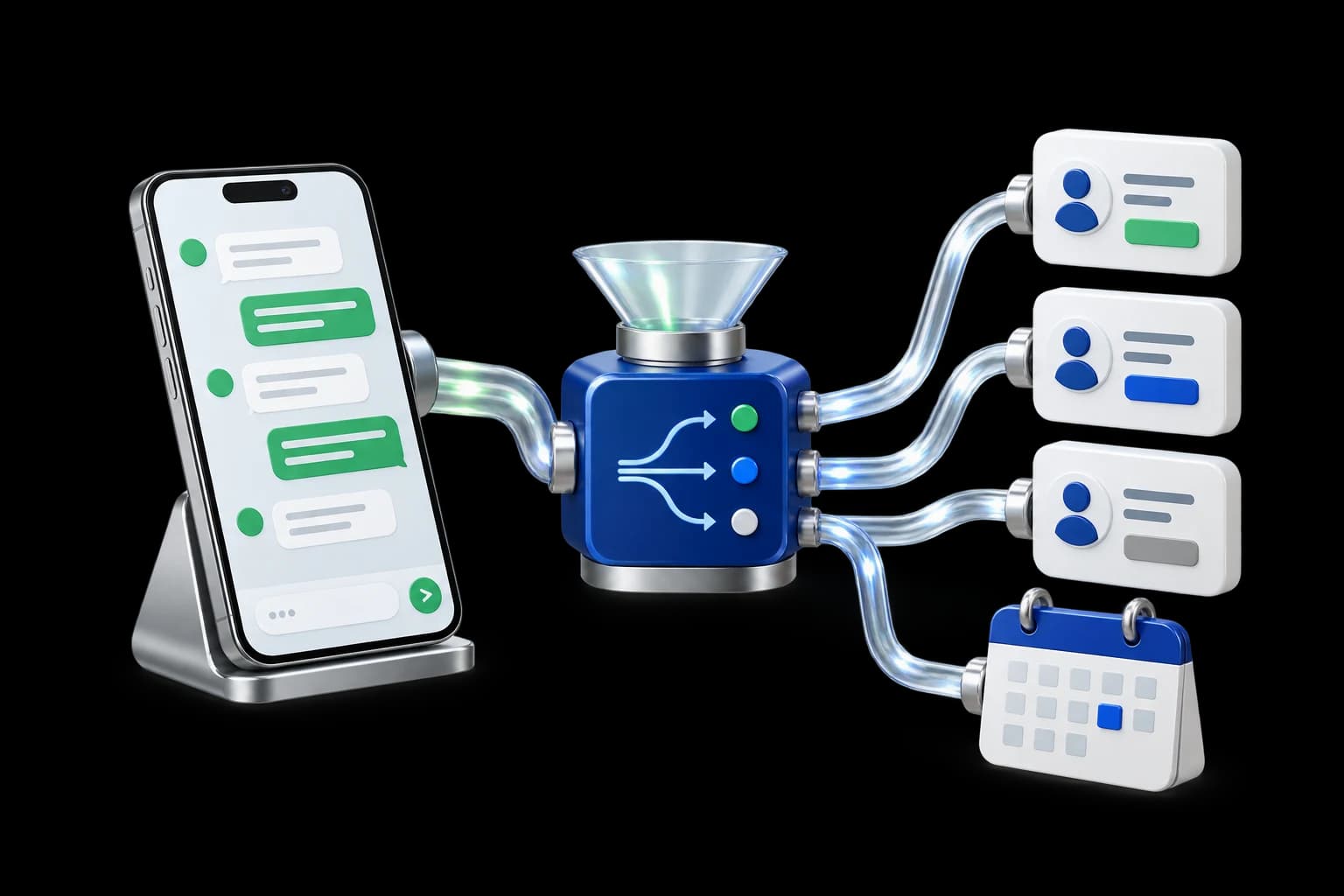
Connect incoming conversations to structured CRM records, owners and follow-up.
How we work
Review the users, current tools and business problem. Agree the first outcome to work towards.
Agree the scope, costs, owners and delivery stages before work begins.
Design, implement and test against the agreed tasks with your team's feedback.
Hand over the system and guidance. Agree any ongoing support and improvement work.
Project deliverables
Your proposal confirms the deliverables, integrations and handover included in the agreed scope.
Before you decide
Practical answers to help you scope the next step.
No. It can include website forms, calls, email, CRM, and dashboards.
Yes, bilingual or Arabic-ready journeys can be considered in the workflow design.
No. It helps the team respond faster and follow up more consistently.
Share how enquiries move from WhatsApp, forms, calls, and email into follow-up today. Digitbite will review the handoff points and suggest a practical workflow direction.
Map My WhatsApp Workflow